Controlled
Same source file, same nominal five-layer target, browser-based use, one date, and no purchase. Screenshots and the Stencil It export were retained.
Independent-use evidence · September 3, 2026
We used the same 1920 × 1200 source image in both browser tools, selected five layers, spent nothing, recorded the visible workflow, and preserved the results. This is a transparent single-project test—not a claim that one run settles every image, cutter, material, or artist.
Input SHA-256: B1C33BA08762AAC8E5D1BE30416FA5D0B23F3E15A3A9F13FF66D5BA9D83A51B4
Stencil It completed a downloadable five-layer package with PNG and SVG cut files, full-stack Auto-Bridge, zero unresolved islands, registration marks, bridge/touch-up guides, and a machine-readable completion certificate. StencilLab provided a capable five-layer editor and bridge controls, but the tested session displayed an upgrade prompt at export, so we could not compare its exported geometry without paying.
StencilLab retains clear advantages for other buyers: its public site advertises DXF export on Pro and an integrated physical cutting and shipping service. Those offerings were not needed for this free digital workflow.
Visual evidence

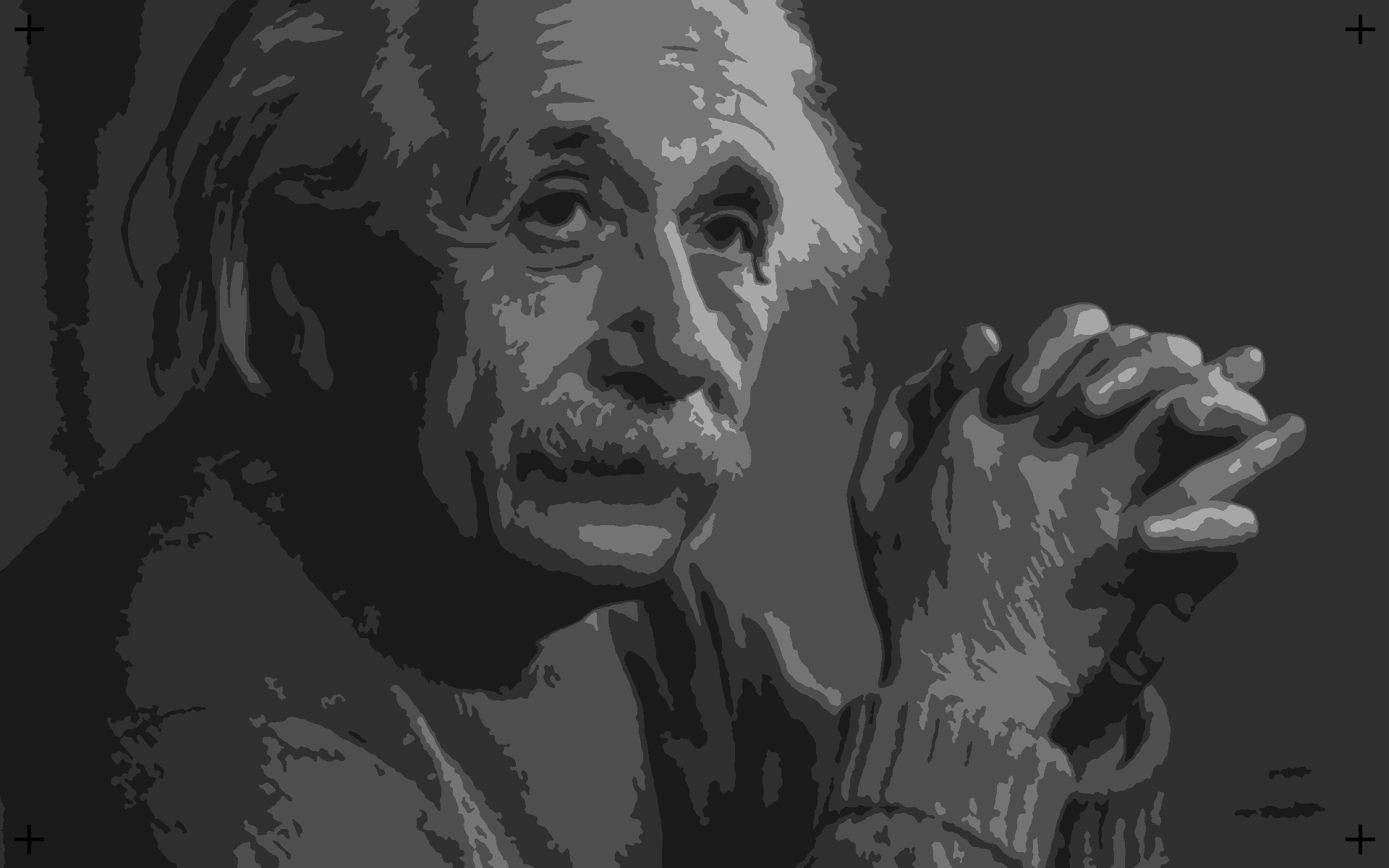
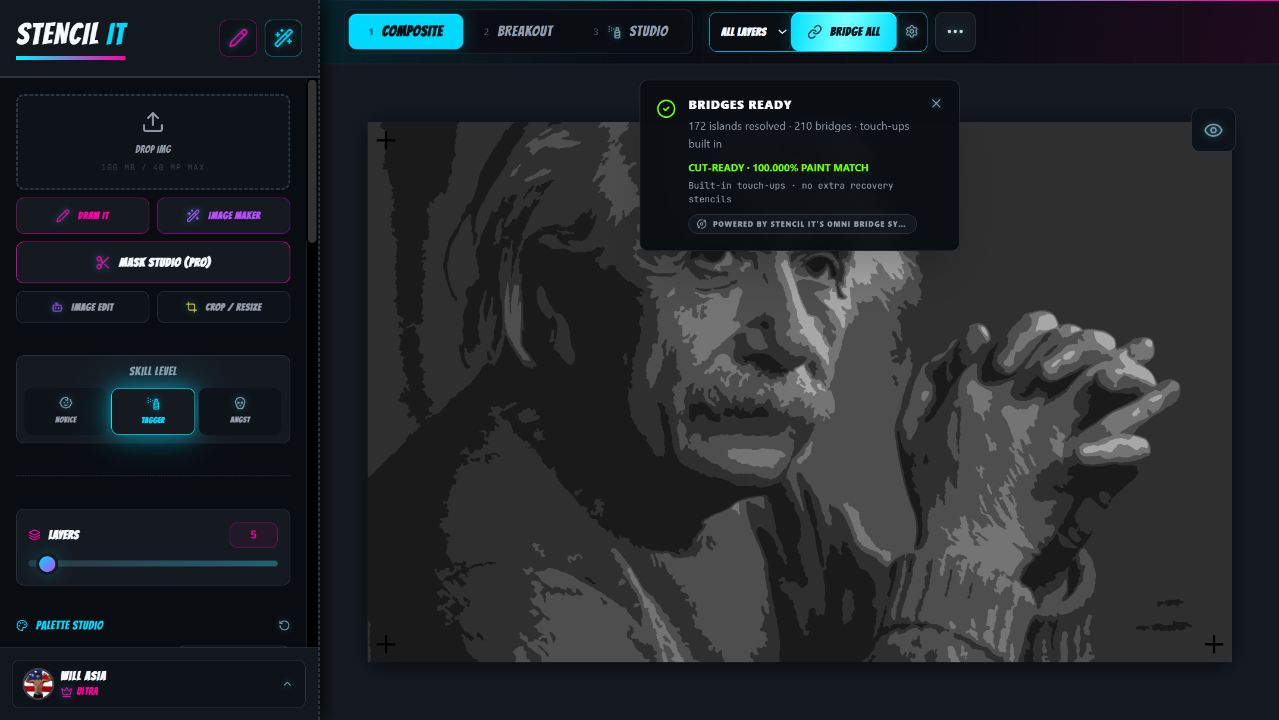
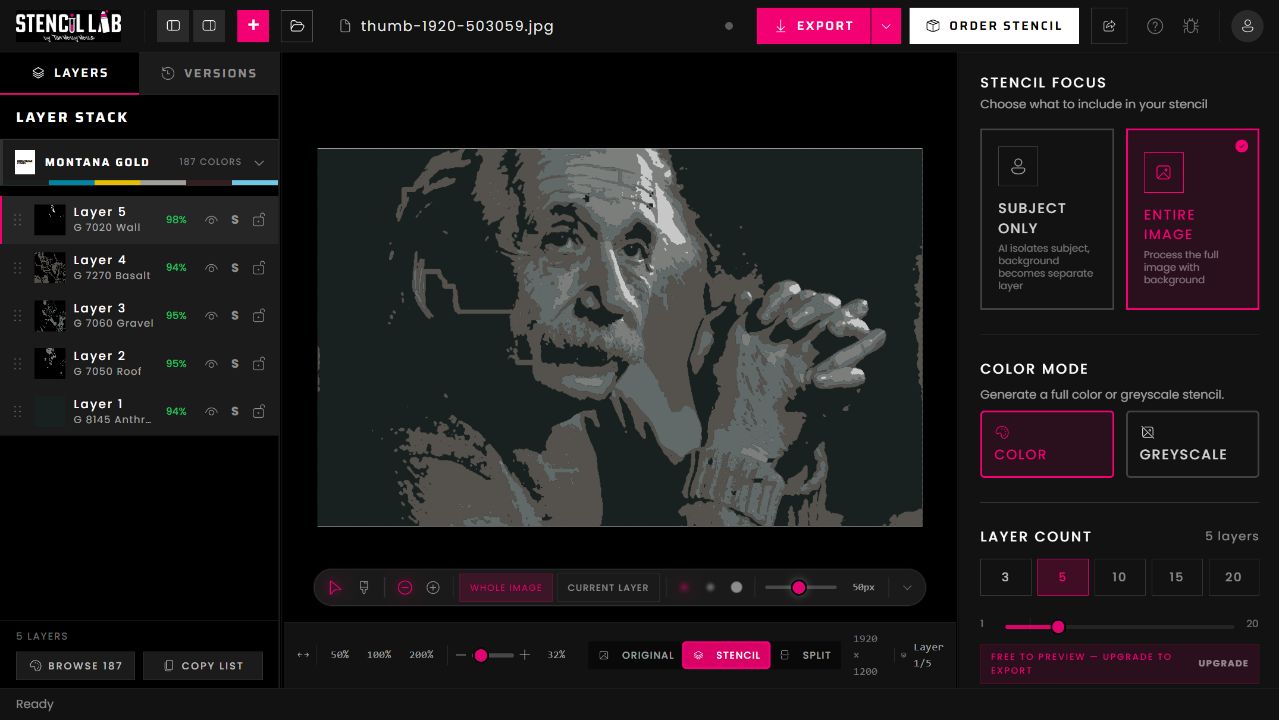
Observed comparison
| Dimension | Stencil It | StencilLab | Evidence status |
|---|---|---|---|
| Common source | Exact 1920 × 1200 file uploaded | Exact file recovered from and used in the open project | Directly observed; file hash retained |
| Five-layer setup | Five-layer composite, palette controls, image-level controls, registration marks | Five-layer color preview, entire-image focus, layer selection from 1–20 | Directly observed |
| Bridge workflow | One-click per-layer or full-stack Auto-Bridge, manual editing, protected-detail controls, completion checks | Structural Bridges toggle plus bridge strength, width, length, and cleanup controls | Directly observed |
| Bridge proof | 172/172 islands resolved; 210 placements; 0 unresolved; nominal and robust support closure | No equivalent island count or completion certificate was visible in the tested editor | Directly observed; absence is limited to this UI/session |
| Editing | Composite controls, layer editor, Studio tools, layer visibility, manual bridge and touch-up workflow | Pan/select, brush, remove/restore background, whole-image/current-layer edits, original/stencil/split, visibility/solo/lock, versions | Directly observed |
| Free endpoint reached | Downloaded complete ZIP with 5 PNG, 5 SVG, guides, masks, maps, preview, instructions, and certificate | Tested project showed “upgrade to export”; no file was downloaded | Directly observed. StencilLab’s public pricing separately advertises PNG export on Free. |
| Paid/public differentiators | Optional cloud image tools; core stencil workflow advertised as free | Pro advertises SVG/DXF, up to 20 layers, advanced bridging, and automatic paint matching; physical cutting starts at a listed price | Vendor-published claims, not exercised here |
Method and limitations
Same source file, same nominal five-layer target, browser-based use, one date, and no purchase. Screenshots and the Stencil It export were retained.
The products expose different defaults and algorithms. We did not force identical palettes, bridge geometry, or hidden parameters, because doing so would no longer represent each product’s normal workflow.
Physical cutting, paint application, material durability, paid StencilLab export, support response, long-term project reliability, and performance across a representative image corpus.
Primary sources